vscodeproductivitytools
5 VSCode Extensions I Can't Live Without
AJ Barea
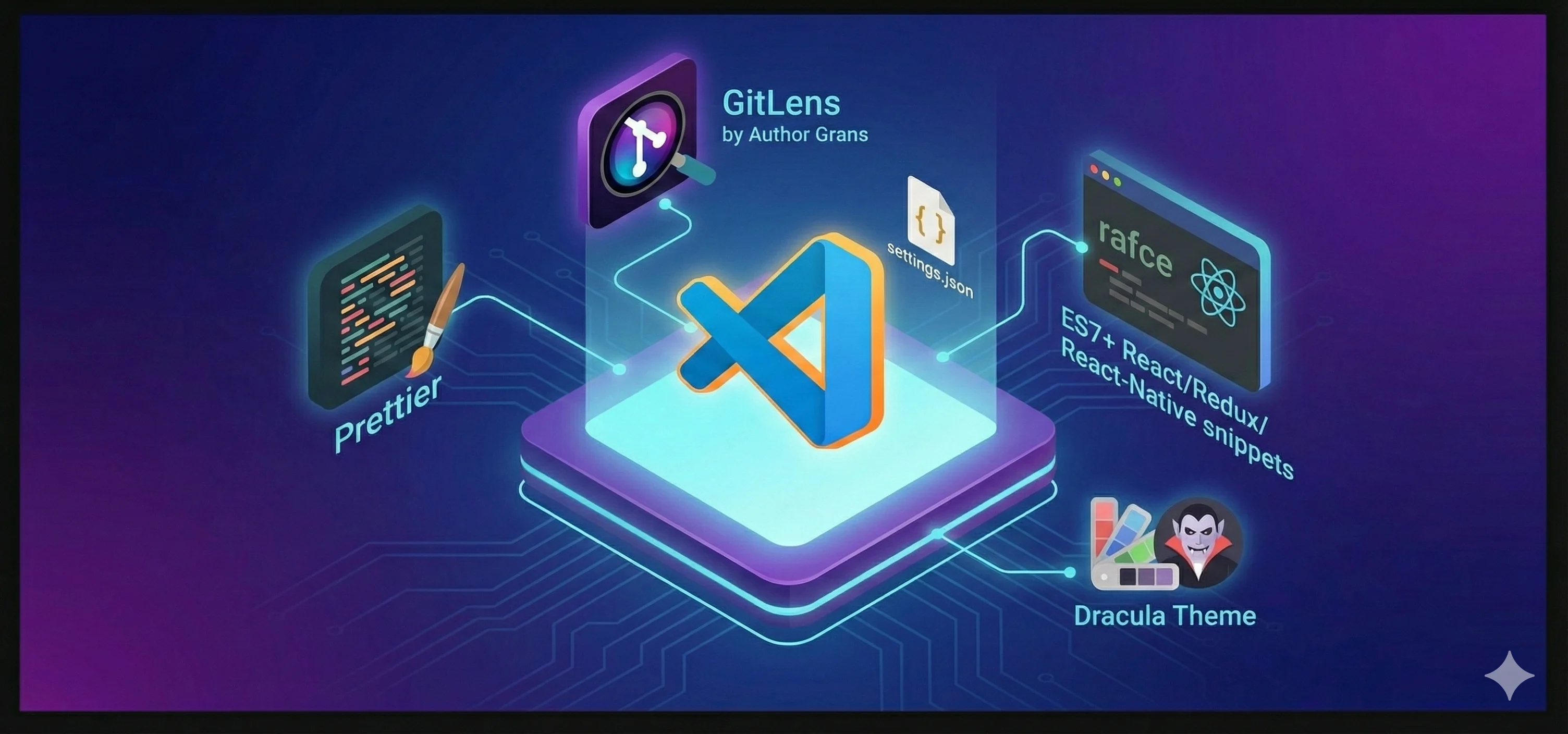
When I first started coding, I thought an IDE was just a fancy text editor. Now I realize it's my command center. Over the last year, I've tried dozens of extensions, but these are the few that have earned a permanent spot in my sidebar.
The Essentials
If you are setting up a new environment, these are the first things you should install:
- Prettier: Stop arguing about indentation. Just let the computer fix it on save.
- ES7+ React/Redux/React-Native snippets: I type
rafceat least 10 times a day. - GitLens: It’s vital to know who wrote that line of code 6 months ago (spoiler: it was probably you).
Customizing Your Config
One thing I learned recently is how to sync my settings across different machines. Here is a snippet of my settings.json that I use to keep things consistent:
{
  "editor.formatOnSave": true,
  "editor.fontFamily": "Fira Code",
  "editor.fontLigatures": true,
  "workbench.colorTheme": "Dracula"
}
Why It Matters
Give me six hours to chop down a tree and I will spend the first four sharpening the axe.
— Abraham Lincoln
Spending time on your tooling isn't procrastination; it's sharpening your axe. A good setup lets you focus on the logic, not the syntax errors.