Drive it
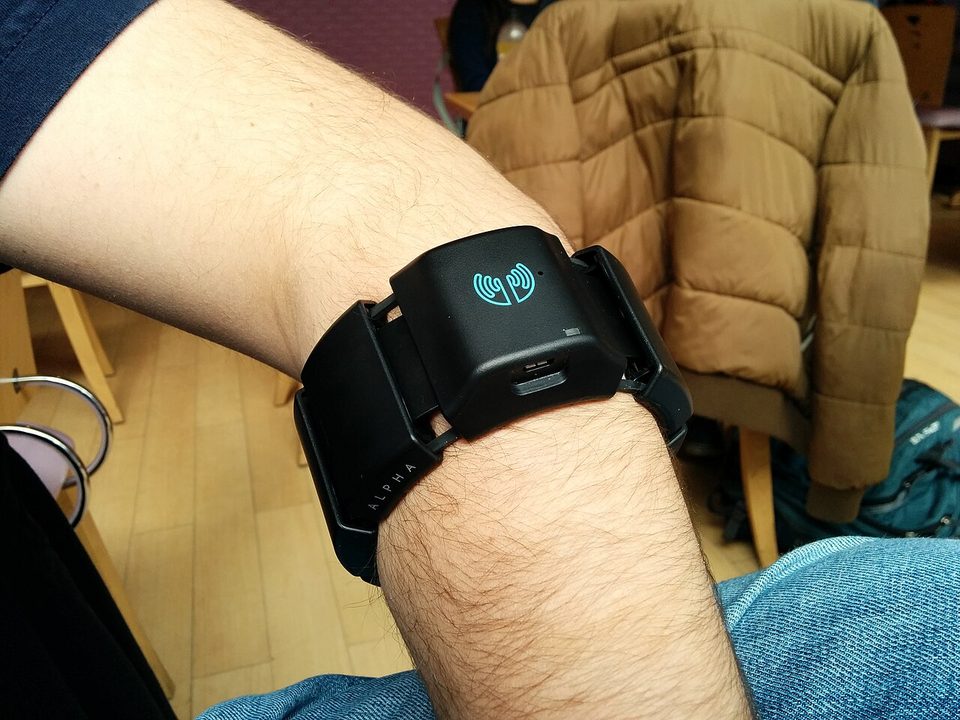
You need a Myo armband, conda and Chrome. Quit Myo Connect first if it is running.
git clone https://github.com/ajbarea/Hackathon.git && cd Hackathon
conda env create -f environment.yml          # once, about 5 minutes
conda activate jackal                        # in every new terminal
python examples/lever.py <your name>
That one command:
- Connects to the Myo: our team's band by default; add
--addr nearestfor any other. On a Mac, allow Bluetooth for your terminal if asked. - Calibrates you, the first time only (about 2.5 minutes). Put the band on snugly, on the thickest
part of your forearm, and wait 2 minutes for it to warm up. Then hold six poses as it prompts you.
Your calibration is saved in
data/<your name>-lever. - Opens the sim in your browser and drives. Pick a course (bottom right). Hold your arm forward and level for the countdown, then raise it once to start.
- Ctrl+C ends a drive. Then press Enter to drive again,
rto recalibrate,tto tune the turns, orqto quit.
Next time, the same command skips straight to driving. Recalibrate whenever the band comes off.
How you drive
.jpg)
Your forearm is a lever pivoting at the elbow (blue: the band):
Relaxing your hand never moves the robot, so driving is not tiring.
If something goes wrong
| What you see | Fix |
|---|---|
CondaError: Run 'conda init' |
Run conda init zsh once (or conda init bash), then open a new terminal |
No Myo found, or stuck connecting |
Plug the Myo into USB for a few seconds to wake it, unplug it, and move it. Close Myo Connect |
| Found once, then gone | It fell asleep: unplug it, put it on and keep moving while it connects |
| Still not found | Another laptop may hold it: stop lever.py there, then run python examples/myo_check.py |
More settings (--expo, --vmax, --no-assist, --no-lag-comp) and tuning are in
examples/MYO_LEVER.md.
No armband?
Open the live sim and drive with W, A, S and D to see the courses. With the repo installed,
run jackal-bridge --serve-site --open for a local copy of the sim, then
python examples/fake_myo_lsl.py --emit-cmd drives it from synthetic EMG.